How to Get the Most Out of RayNeo X3 Pro Smart Glasses

Advanced technology is changing daily routines in ways you never imagined. Tech is becoming an invisible but essential part of our lives, from AI assistants to AR apps. One of the most exciting areas of innovation is wearable technology, where gadgets like smartwatches, AR headsets and now smart glasses are lifestyle upgrades.
Smart glasses, in particular, are changing the way we interact with the world. They bring information directly into your line of sight, allowing hands-free navigation and immersive AR experiences. However, despite the growing popularity of these devices, most people struggle to unlock their full potential.
Many buy smart glasses like the RayNeo X3 Pro but end up using them only for video viewing. Meanwhile, the truth is, this gadget is packed with features that, when used right, can significantly boost productivity, entertainment and daily convenience. However, getting the most out of them requires some guidance.
Quick Hacks for Using RayNeo X3 Pro AI+AR Smart Glasses
If you want to enjoy RayNeo X3 Pro, these hacks will help you navigate its features like a pro.
Customize Notifications for Minimal Distraction
One of the exciting features of RayNeo X3 Pro is its ability to display notifications directly in your line of sight. You can selectively choose which notifications appear. You need to start by syncing the glasses with your smartphone and selecting only the essential apps.
Once your notifications are customized, you can further enhance efficiency by using the voice assistant feature. Commands like reading messages aloud or dismissing alerts hands-free allow you to manage tasks without touching your phone.
Explore AR Navigation for Real-Time Assistance
RayNeo X3 Pro’s AR navigation is vital for travelers and daily commuters alike. These glasses eliminate the need to constantly check your phone by displaying directions, points of interest and even real-time transit updates in your field of vision. If you want to get the most out of this feature, make sure your GPS is accurate and integrate maps or navigation apps.
Walking through a city becomes easy when directions are layered over the real world. You can also use AR navigation for indoor spaces like malls, airports or large offices. Many users overlook this feature, but it can save time and reduce stress in unfamiliar locations. The immersive overlay makes finding exits, stores or meeting rooms intuitive.
Maximize AI Assistant Functions
The AI assistant in RayNeo X3 Pro is designed to streamline your routine. You can use it to set reminders, schedule tasks and even get contextual suggestions based on your current activity. You can understand it by an example that while preparing for a meeting, the assistant can display the agenda, recent emails or notes directly in your line of sight.
You can practice issuing clear, concise voice commands and explore integration with apps like calendars, note-taking tools, and smart home devices to maximize this feature. Over time, your RayNeo X3 Pro can act as a personal assistant, helping you manage your day more efficiently while keeping your hands free for other tasks.
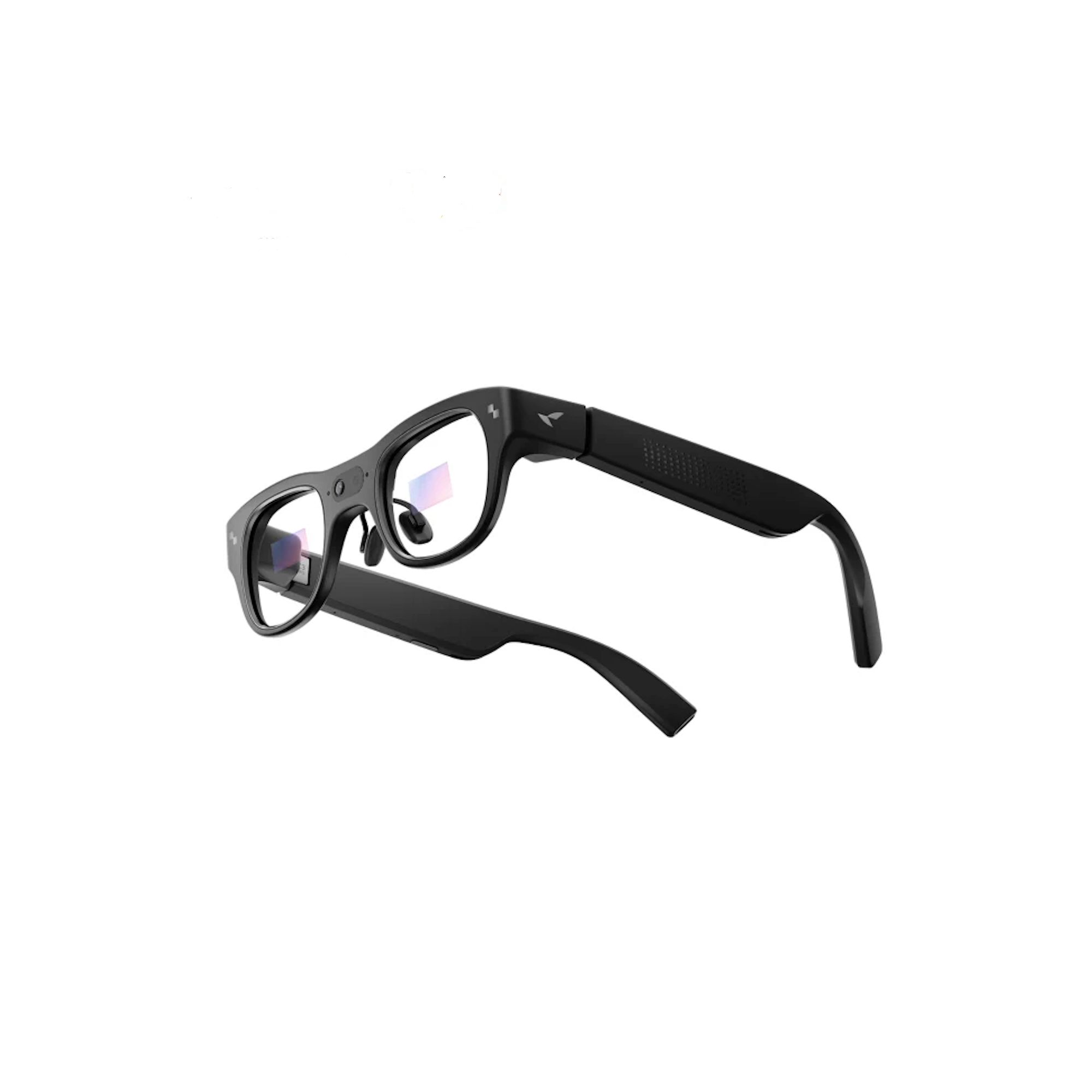
Optimize Video and Entertainment Settings
Watching videos or playing AR content on RayNeo X3 Pro is more than just a novelty; it’s a fully immersive experience. Many users struggle with suboptimal brightness, volume or display settings, which can make long sessions uncomfortable. Simply adjust the display settings according to the environment, increase brightness in outdoor areas and fine-tune audio to avoid ear fatigue.
If you want to enjoy AR or SBS (side-by-side) 3D videos, just experiment with different viewing modes and angles to find the most comfortable setup. With proper adjustments, even long sessions of movies, educational content, or virtual travel feel smooth, enjoyable and completely hands-free.
Benefits and Drawbacks of RayNeo X3 Pro's Smart Glasses
While RayNeo X3 Pro is the World's most advanced AI+AR glasses, it’s important to consider both the benefits and potential drawbacks before buying.
Pros of RayNeo X3 Pro
- Hands-free AI assistance for everyday tasks and productivity.
- AR navigation makes exploring new areas effortless and intuitive.
- Real-time notifications help manage your schedule efficiently.
- Voice commands allow seamless multitasking without distraction.
- Immersive video and AR experiences for entertainment.
Cons of RayNeo X3 Pro
- Battery life may limit extended all-day usage.
- Learning curve for first-time smart glasses users.
- Glasses require regular cleaning and maintenance.
- Premium price may be a barrier for casual users.
FAQs
How to Connect RayNeo Air 3 to PC?
Turn on your RayNeo Air 3 and enable Bluetooth or USB mode, then open your PC’s device settings to pair. Install the compatible driver or app if prompted to ensure proper connectivity.
How to Install Lenses to RayNeo X3 Pro?
Remove the protective frame, carefully align the lenses with the slots, and snap them in gently. Ensure they are secure and correctly positioned for comfortable viewing.
Can RayNeo X3 Pro Play SBS Videos?
Yes, RayNeo X3 Pro supports side-by-side (SBS) 3D videos. Adjust the viewing mode and distance for an optimal immersive experience.
The RayNeo X3 Pro Smart Glasses are a lifestyle companion that can simplify work, enhance entertainment and add convenience to your daily routine. While many users underutilize their glasses, following these hacks and tips allows you to unlock the full potential of AI and AR technology. These smart glasses can change the way you interact with information and the world around you. So, get the RayNeo glasses and check if you can buy them for less with RayNeo promo codes.
Stay tuned to ShoneRight for more advanced gadgets.
Leave A Comment
Your email address will not be published. Required fields are marked *